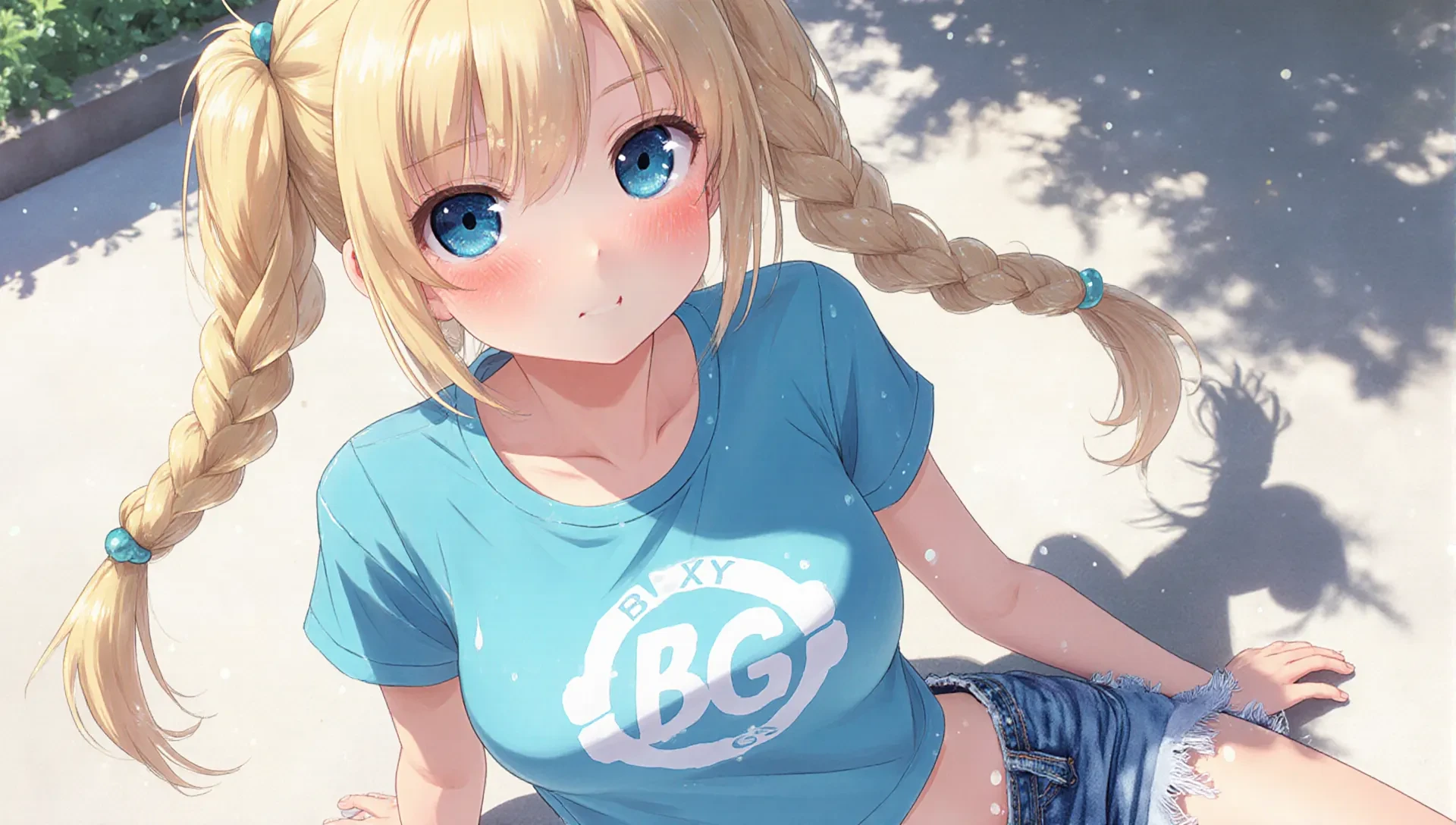
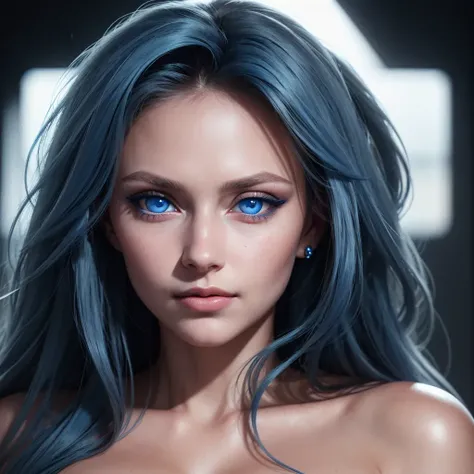
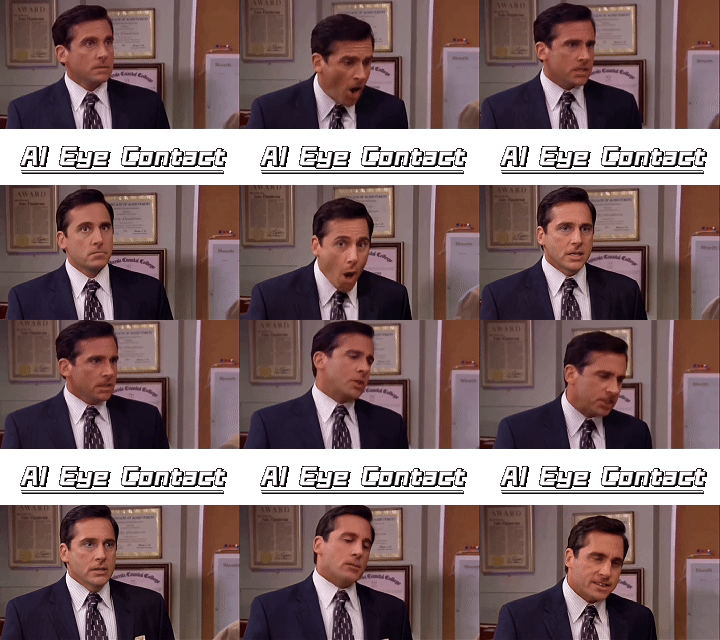
eyes looking ahead

I'm GETags. Generate prompt words, Generate tags with images
APP|Image

4.9

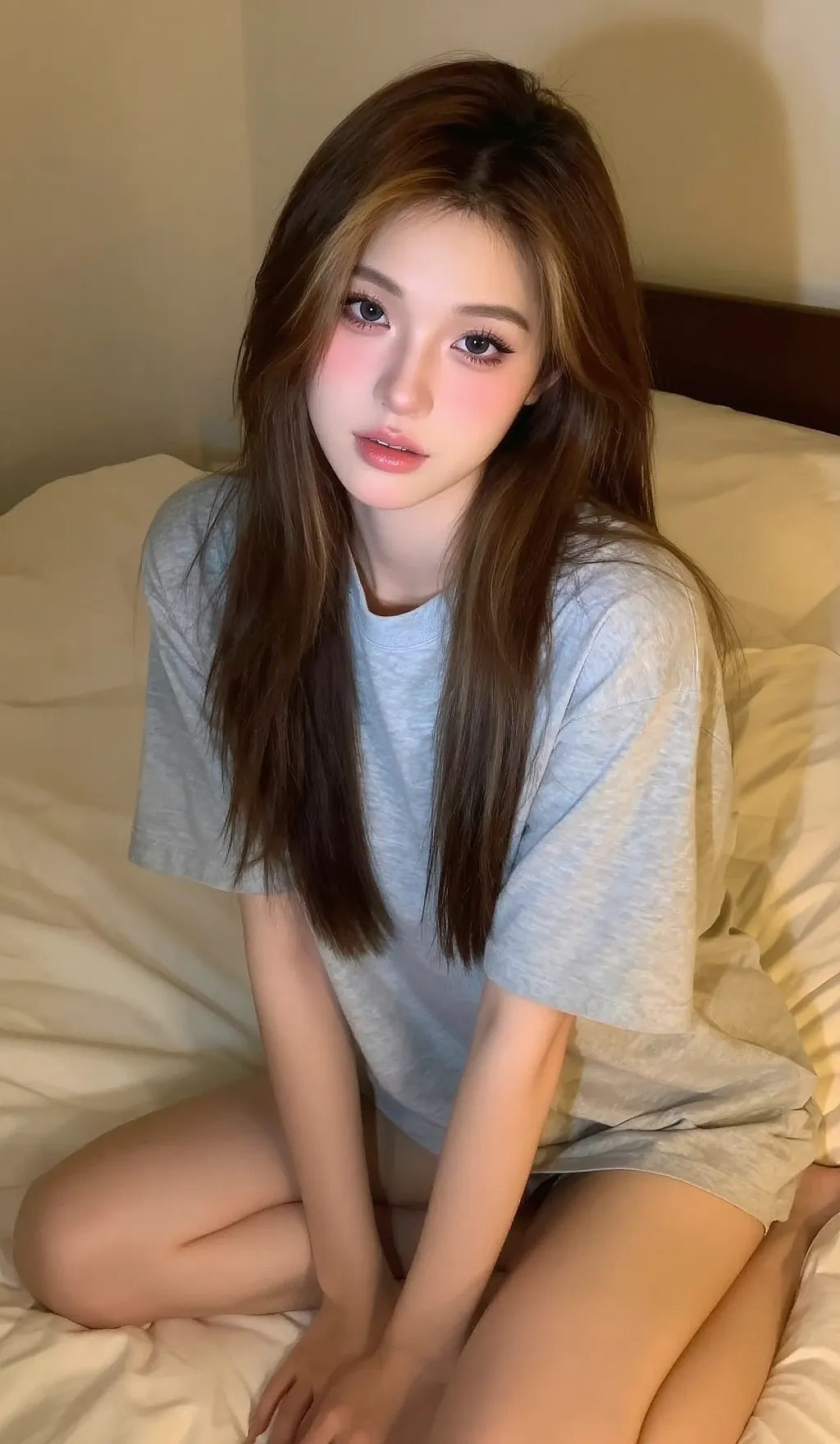
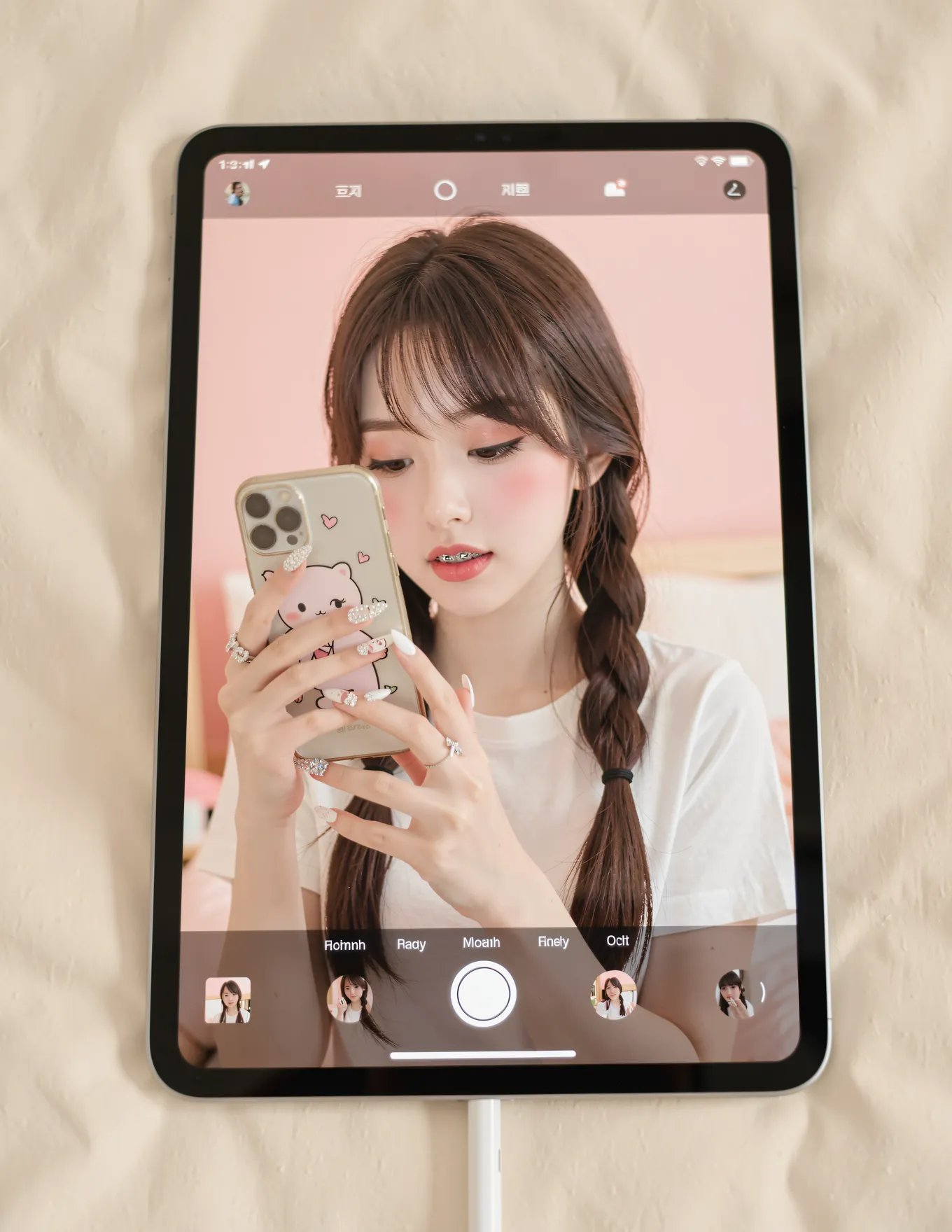
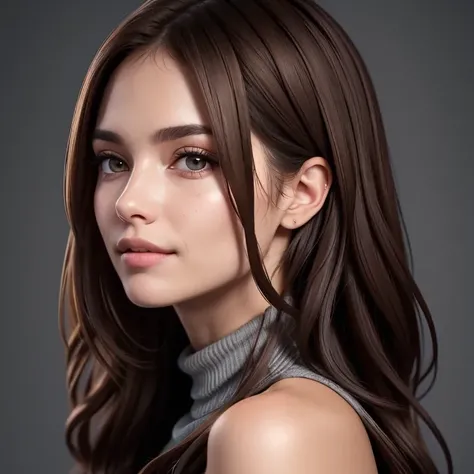
The generation time is placed at the top for easy comparison.📖Report on my experiment①Difference between Describe with ai and taghttps://www.seaart.ai/articleDetail/d09h2ste878c73bo0hl0②How to get ideas for prompt words(tag) from imageshttps://www.seaart.ai/articleDetail/d06ssvde878c73epcnf0💖Generate tags from images⌛️It takes about 10 seconds to upload an image.・If you can't think of a word that corresponds to the prompt word・If you want to check tags for rare images・If you want to check what kind of tags are generated for images of peopleThe following are default values.Adjust the placement after generation.Text Color:4Back Color:7💖Color listRed:0,Orange:1,Yellow:2, Green:3, Cyen:4, Blue:5, Purple:6, Black:7, White:8, Pink:9 The tag threshold is set to 0.09, so many tags are output.💖You can choose the placement of tags. The finished image on the left is your image. The image on the right is an image generated with tags (9:16).Since it will be composited, your image will have a 9:16 ratio.If you want to change the ratio, please change it.If you want to generIf you want to generate an image of only tags, please switch the function.💖Caution: Text may overflow.Increase font size than defaultIncrease line heightIf the number of characters: 656, number of words: 93, number of tokens: 163 are exceededIncrease padding💖SettingsThe tags are well balanced.💖Default★Aspect ratio: 9:16, 5776px, 1024px★Font size: 40px (header 50px)★Line height: 0.9★Character count: 656, Word count: 93, Token count: 163💖TextText alignment: leftPosition: centerPadding: 20px, 20pxCoverage: 100%💖Comparing tag words by threshold💖Setting the thresho0.091 girl, solo, long hair, , looking at viewer, blushing, smiling, shirt, , skirt, black hair, dress, mouth closed, , bare shoulders, medium size , brown eyes, standing, collarbone, white shirt, thighs, cowboy shot, lips slightly parted, shorts, sleeveless, indoors, artist name, nail polish, mole, blurry, black eyes, nails, lips, head tilted, mole under eye, sleeveless shirt, arm, blurry background, makeup, , depth of field, white skirt, lipstick, pale skin , apart, pink nails, high waist skirt, white shorts, legs together, shirt tucked in, arms at sides, nose, realistic red lips, with visible veins, photorealistic,0.3One girl, solo, long hair, , looking at viewer, smiling, shirt, skirt, black hair, mouth closed, , bare shoulders, medium sized , brown eyes, standing, collarbone, cowboy shot, shorts, sleeveless, nail polish, blurry, black eyes, nails, lips, sleeveless shirt, arms out, blurry background, white

D y n a M i c
【Note! Extraction Only】 16-Image Split →  PNG Processing (withGemini)
APP|Image

5.0

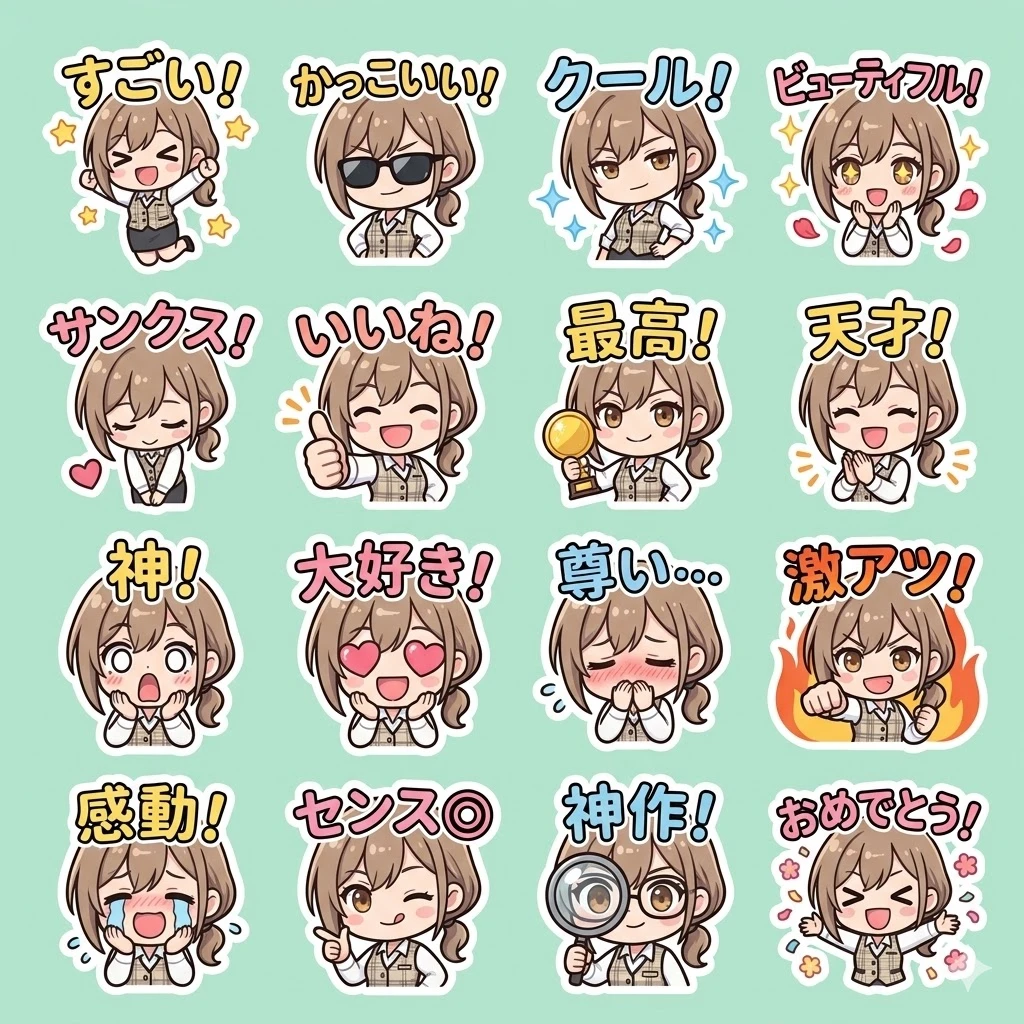
geminiで下記のプロンプトとお気に入りの画像を使って例のような画像が生成できます。 生成した16パターンの画像をこのアプリに通すと、16個のスタンプに切り分けて、透過pngにします。 target_model: "Nano Banana Pro" task: "Sticker Style Sheet Generation for Global Audience (Comment Edition)" aspect_ratio: "1:1 Square" style: "Kawaii chibi character digital illustration, clean vector lines, soft pastel colors, spring-themed. Each sticker has a thick white outline. Vibrant and expressive." grid_structure:  layout: "4x4 grid (16 distinct stickers on a single sheet)"  background: "Clean, solid soft mint background" stickers_content:  row_1:  - sticker_1: "Chibi character jumping with stars, Text: 'すごい!'"  - sticker_2: "Chibi character with cool sunglasses and a smirk, Text: 'かっこいい!'"  - sticker_3: "Chibi character leaning back confidently, blue sparkles, Text: 'クール!'"  - sticker_4: "Chibi character with sparkling eyes and rose petals, Text: 'ビューティフル!'"  row_2:  - sticker_5: "Chibi character bowing with a heart, Text: 'サンクス!'"  - sticker_6: "Chibi character giving a big thumbs up, Text: 'いいね!'"  - sticker_7: "Chibi character holding a trophy or medal, Text: '最高!'"  - sticker_8: "Chibi character applauding with a big smile, Text: '天才!'"  row_3:  - sticker_9: "Chibi character with wide eyes and open mouth, shocked by beauty, Text: '神!'"  - sticker_10: "Chibi character with heart-shaped eyes, Text: '大好き!'"  - sticker_11: "Chibi character blushing and hiding face, Text: '尊い...'"  - sticker_12: "Chibi character with a fist pump and fire background, Text: '激アツ!'"  row_4:  - sticker_13: "Chibi character crying happy tears, Text: '感動!'"  - sticker_14: "Chibi character winking and pointing at viewer, Text: 'センス◎'"  - sticker_15: "Chibi character looking through a magnifying glass, Text: '神作!'"  - sticker_16: "Chibi character throwing flower confetti, Text: 'おめでとう!'" text_rendering:  font: "Playful, bold, hand-drawn Japanese bubble typography"  placement: "Text is clearly integrated within each cell, easy to read"  accuracy: "Render exact Japanese text with correct characters" output_quality:  details: "Meticulous character expressions suited for reactions, professional sticker layout, high-end vector aesthetic"
mikoto
HyperReal Control XL - Full Custom Realism
APP|Image

5.0

HyperReal Control XL is an advanced workflow designed to generate ultra-detailed, natural-looking images, with full control over every stage of the generation process. It is built for users who want to go beyond the standard SDXL look and achieve a more credible, organic, and consistent result, suitable for both classic artistic creations and more mature or expressive visuals, without sacrificing quality. 🔧 Main Features Add up to 6 LoRA models simultaneously Free activation / deactivation of every module Targeted inpainting to correct areas that are critical for realism: - face - hands - feet - eyes - mouth Optional Z-Turbo SDXL pass to: - enhance micro-details - reduce overly smooth or artificial textures - fine-tune realism using the denoise parameter Final upscale for clean, high-quality output 🎛️ Full User Control 🔹 Z-Turbo Denoise - How much the image is transformed The denoise setting controls how strongly the realism engine modifies the image. - Low denoise → minimal changes, softer look - Medium denoise → clearer details, more natural result - High denoise → stronger transformation, enhanced realism 👉 Higher denoise = stronger correction and more realism. 🔹 LoRA Settings — Strength and influence Each LoRA comes with two easy-to-understand controls: Model Strength → how strongly the LoRA affects the visual appearance (low = subtle, high = dominant) CLIP Strength → how much the LoRA influences how the prompt is interpreted (useful when the LoRA must be followed very closely) 🔹 Additional Adjustable Parameters - Fully editable positive and negative prompts - Custom image size (width & height) - Every module can be enabled or disabled independently ⏱️ Generation Time & Cost This workflow adapts to your level of precision: - Minimal setup → ~20 seconds - All features enabled → up to ~2 min 15 s 👉 The more features you activate, the more processing is applied - and the finer the result becomes. ✨ Who Is It For? - Creators looking for advanced realistic rendering - Users who want precise control, without forced automation Beginners and advanced users who need a powerful yet understandable workflow, adaptable to different styles and intensity levels, while remaining clean and well-controlled
Nrgumn AI Creation
LORAFACES FLUX
APP|Image

--

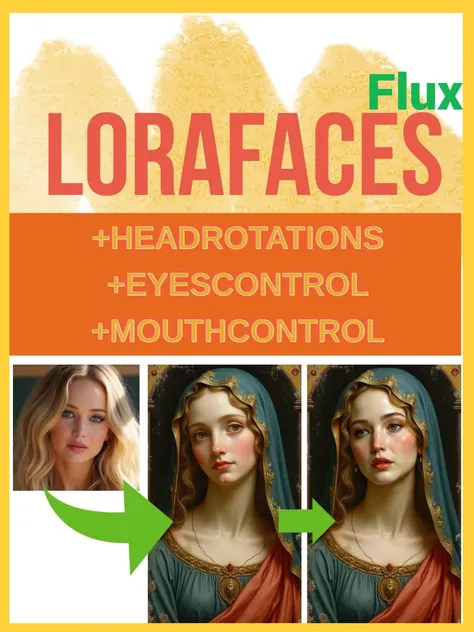
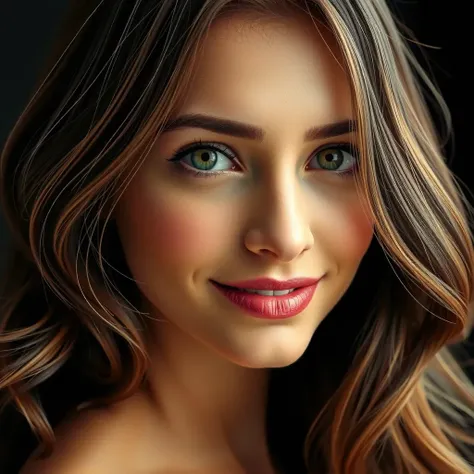
This App inserts a face in a target image using a LORA (Flux-based) of your choice that must be capable of drawing a particular face of interest (for example a Marilyn Monroe LORA). Additional mild changes may be done to head orientation, mouth and eyes. Three images (attempts/variations) will be generated.LORA Strength : Each LORA has its own optimal strength, usually between 0.8 and 1.0. Suggested value is 0.9.Face selector : If there's more than one face in the target image, choose the one to modify with a number. Faces are enumerated from biggest to smallest starting at zero. If faces are too close together, set the "Tight" option to "Yes" to try avoid distortions. Face expression : Optional. A prompt to midly adjust the face expression or facial features like eye color. This is largely dependent on the chosen LORA's ability to produce the desired prompt. Write "none" to ignore this option.Aggresive : The third image generated is always more aggresive in seeking changes, which may lead to distorted results with some LORAs. If you're consistently getting a bad third option, set this option to zero.Result resolution : Optional. The amount of megapixels wanted in the resulting image, usually between 0.3 and 2. Leave at zero to preserve the original image size.Mouth options : Optional. Better ignore if the face in the target image already has the right mouth form. They are:0 = unchanged1 = wide smile2 = open mouth3 = seriousEyes options : Optional. Better ignore if the face in the target image already has the right eyes form. They are:0 = unchanged1 = looking down2 = looking up3 = looking left4 = looking right5 = looking at viewerModifiers for eyebrows, eyelids and head rotations are optional. Leave at zero to ignore them.
keehee
BODY DETAIL CYBERPUNK: Traitor Princess
APP|Image

--

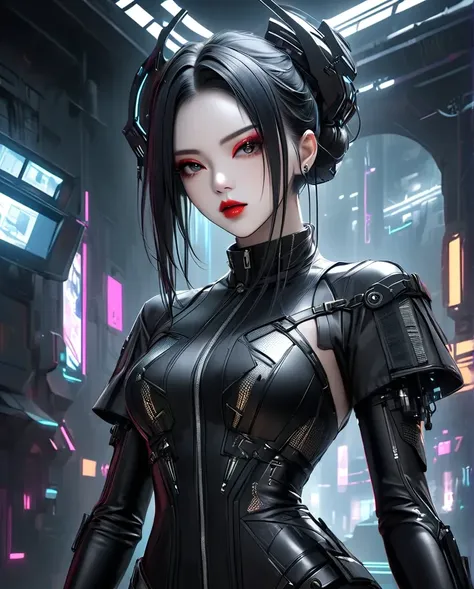
This workflow designed to generate captivating images of a beautiful and lethal-looking female character in a futuristic, cyberpunk style. It excels at rendering detailed futuristic fashion, high-tech accessories, and an edgy, mysterious atmosphere, making it perfect for sci-fi art, character design, and futuristic portraits.Key FeaturesCharacter: A striking woman with sleek black hair styled in intricate, futuristic buns. She has captivating eyes with dramatic red eye makeup, a bold red lipstick, and a serene yet intense expression. Her overall appearance is a fusion of elegance and danger.Outfit: She wears a highly detailed, black, form-fitting outfit that appears to be made of leather or a similar futuristic material. The suit features a high collar with a zipper and intricate armor plates on her shoulders and . The design is sleek and tactical, with various straps and buckles that add to the high-tech, functional aesthetic.Accessories: She is equipped with unique cybernetic or armored ear pieces and possibly a headset. These details emphasize her role in a high-tech world, whether as a hacker, an assassin, or a futuristic operative.Setting & Atmosphere: The character is set against a dark, neon-lit cyberpunk alleyway or city street, with glowing signs and futuristic buildings in the background. The lighting is dramatic and moody, with reflections and glows from the neon lights illuminating her face and suit.Style: Cyberpunk, sci-fi, futuristic, and high-detail illustration. The model focuses on clean lines, high contrast, and a futuristic-noir aesthetic.Trigger Words: cyberpunk assassin, futuristic fashion, black leather suit, red eye makeup, high-tech accessories, sleek black hair, neon city, sci-fi stylePlease feel free to use, enjoy and don't forget to rate
BeatsGamer